PackDraw Withdrawal OTP / 2FA Code Not Working? How to Fix It
Withdrawals move real money or crypto out of your account, so PackDraw protects them with two-factor authentication. The OTP is a six-digit code that changes every 30 seconds. It c…
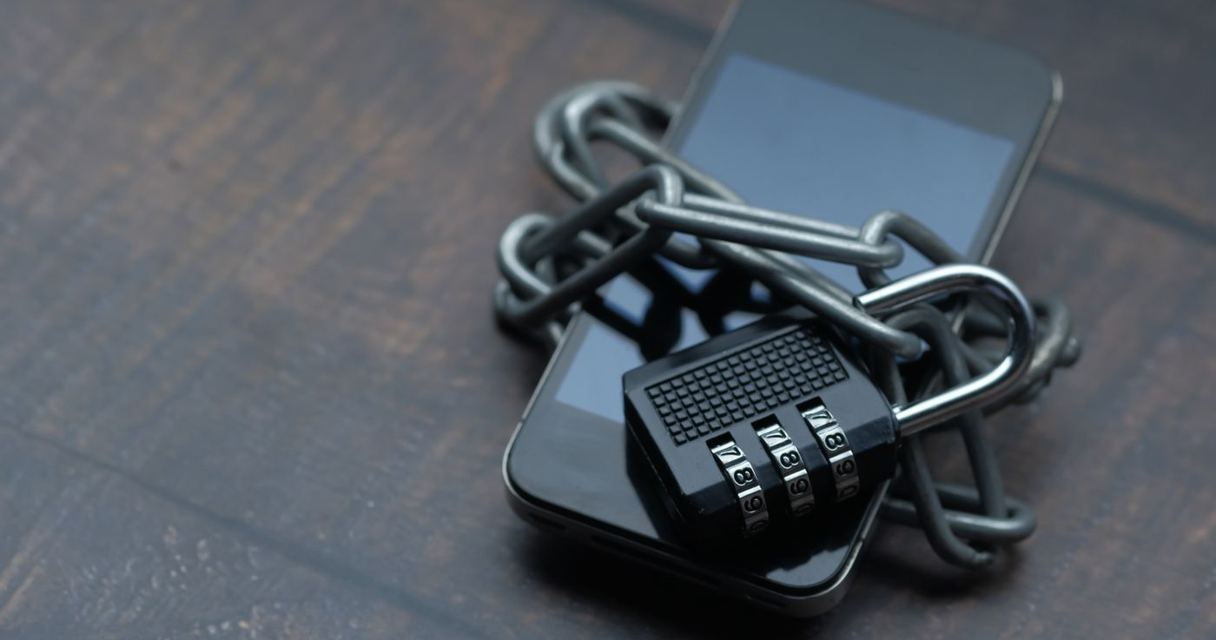
One of the most common questions from new PackDraw players is why the withdrawal asks for a one-time code (OTP) and why that code keeps failing. This guide walks through the two-factor (2FA) step so you can finish your cash-out. For the full process, read our PackDraw withdrawal guide.
Why PackDraw asks for a code
Withdrawals move real money or crypto out of your account, so PackDraw protects them with two-factor authentication. The OTP is a six-digit code that changes every 30 seconds. It comes from an authenticator app linked to your account, not from an email or text, which is why many players never see it arrive.

Hit the PackDraw Jackpot Round
Stack the wheel and chase 50× multipliers in Jackpot battles.
How to set up 2FA
- Install an authenticator app such as Google Authenticator, Microsoft Authenticator or Authy.
- Open your PackDraw account security settings and choose to enable 2FA.
- Scan the QR code with the app (or type the setup key).
- Enter the six-digit code the app shows to confirm, and save any backup codes somewhere safe.
Fixing "invalid code" errors
- Phone clock out of sync: authenticator codes depend on accurate time. Turn on automatic date and time on your phone, then try a fresh code.
- Code expired: wait for a new code and enter it straight away rather than near the end of the 30-second window.
- Wrong account in the app: if you have several entries, make sure you copy the one labelled PackDraw.
- New phone: codes do not move automatically. Use your backup codes or contact PackDraw support to reset 2FA.
After the code is accepted
Choose your payout method and wallet address carefully. Crypto transfers cannot be reversed, so paste the address and check the first and last characters. Independent reviews report a minimum withdrawal amount, so check the limit shown on the withdrawal screen before you start.
Pack Battles — winner takes all
Real rivals, real items. Battle 1v1, 2v2, or all-in jackpots.
When to contact support
If you have lost access to your authenticator and backup codes, contact PackDraw support through the live chat or help centre. Never share your codes with anyone claiming to be support in Discord or direct messages. More on staying safe in our PackDraw safety review.
Frequently asked questions
Where do I get the PackDraw OTP code?
From the authenticator app you linked when enabling 2FA, not from email or SMS.
Why does PackDraw say my code is invalid?
Usually your phone clock is out of sync or the code expired. Enable automatic time and use a fresh code.
Win luxury items, shipped to your door
Watches, electronics, sneakers and rare collectibles.
I changed phones. How do I withdraw?
Use your saved backup codes or ask PackDraw support to reset 2FA.
Will PackDraw support ask for my code?
No. Never share your OTP with anyone.
Insider newsletter launching shortly
Promo alerts and weekly pack picks. Sign-ups open soon.
Related guides
Best PackDraw Packs for Beginners 2026 (Top 7 Picks)
Entering the category of luxury mystery packs can be an exhilarating experience, offering access to high-end designer gear, rare collectibles, and cutting-edge tech through a digit…
What Is PackDraw? Complete 2026 Mystery Pack Site Guide
In the evolving landscape of high-end collectibles and digital retail, mystery box experiences have transitioned from niche hobbyist forums to mainstream luxury platforms. At the c…
Is There a PackDraw Mobile App?
For luxury mystery pack openings, accessibility is everything. Whether you are tracking a high-end designer drop from your commute or engaging in a high-stakes head-to-head battle …